Enter
Enter the song title and, optionally, the artist.
 GrooveFinderFind your groove
Manual
GrooveFinderFind your groove
Manual
GrooveFinder for Yamaha arranger keyboards
Enter a song title and artist. GrooveFinder compares its own library with your selected personal Yamaha style libraries and shows the strongest musical matches side by side.
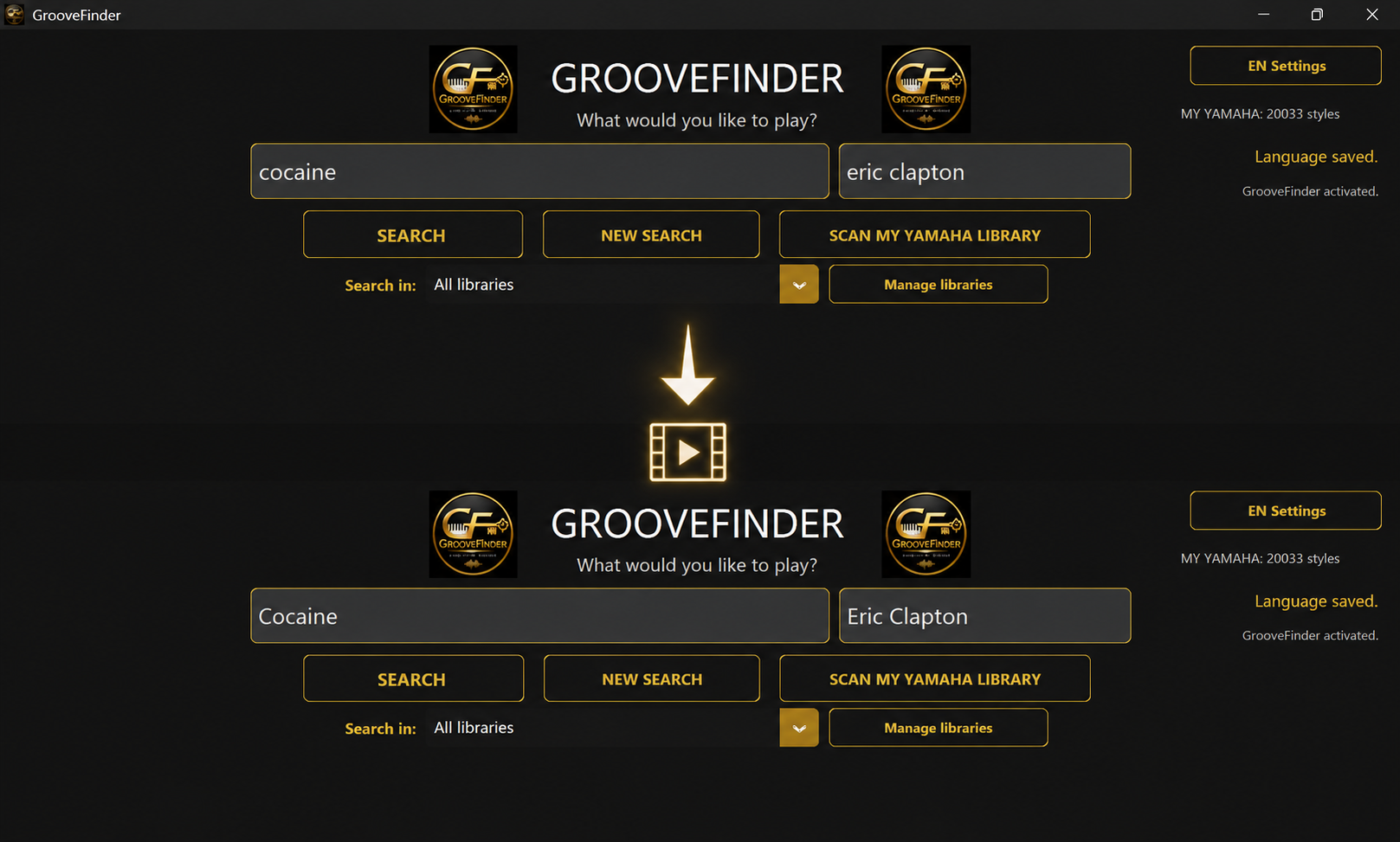
Two libraries. One musical search.
GrooveFinder keeps both sources separate, ranks only musically suitable candidates and can show fewer than five results when additional styles do not meet the criteria.
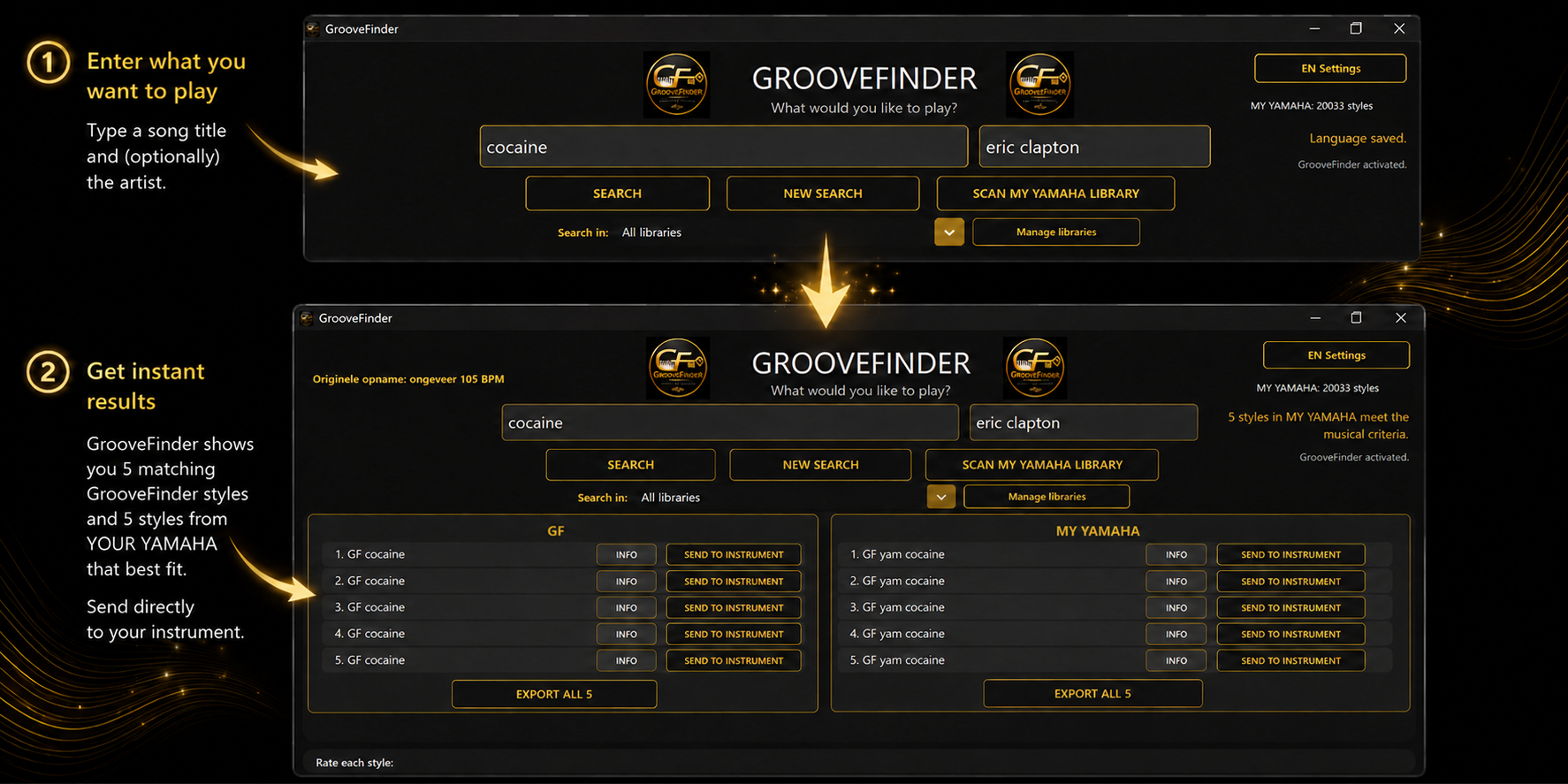
How GrooveFinder works
Enter the song title and, optionally, the artist.
Search all indexed libraries or select one specific personal library.
Review the strongest GrooveFinder and My Yamaha matches with detailed musical information.
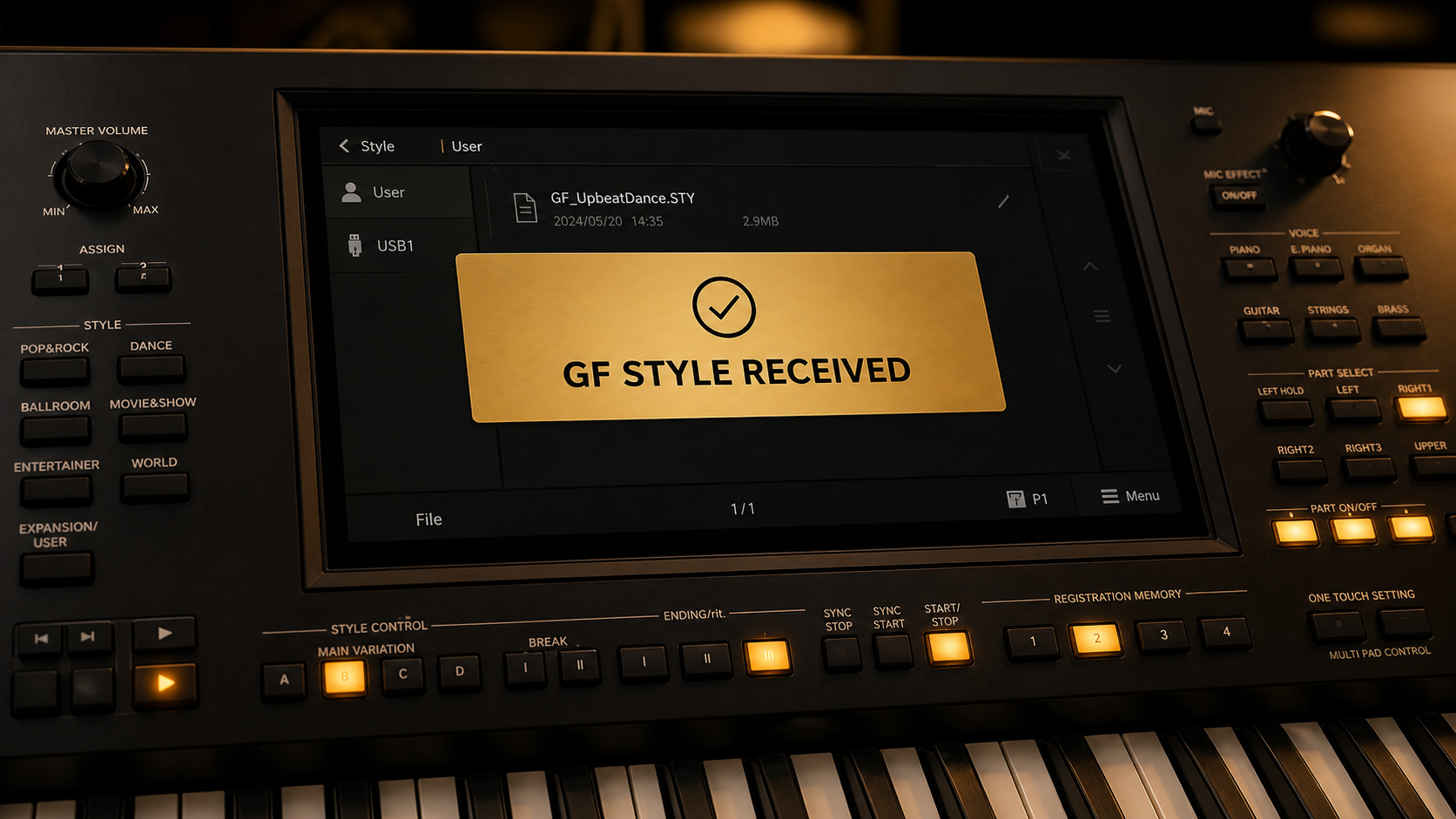
Send one style—or export the result set—and start playing on your Yamaha.
Why GrooveFinder?
Your personal Yamaha folders are indexed for searching. GrooveFinder never deletes, moves, renames or overwrites the original style files.
GrooveFinder applies strict musical criteria. A search may therefore return fewer than five personal styles. It recommends a strong playing basis and does not promise an exact reconstruction of the original arrangement.
Free trial
Choose the edition you want to test. Both allow up to 12 successful style transfers per day.
After purchase, activate the same edition without reinstalling it.
No payment is required.Free GrooveFinder tools
These separate Windows programs may be used and shared free of charge. Each tool includes a link to the official GrooveFinder website.
Check Yamaha style folders before use, identify readable, limited, damaged and duplicate files, and create a separate cleaned library without changing the originals.
Prepare lyrics and chord sheets for your Yamaha keyboard, preview the layout and export a keyboard-ready text file.
Create promotional images and short videos for songs, performances and social media with your own pictures, text and music.
Yamaha compatibility
GrooveFinder supports compatible Yamaha arranger keyboards, including:
Not every PSR-S model has been tested separately. GrooveFinder was successfully tested on the PSR-S975 and is likely to work with other PSR-S models. Download the free trial to test your model. Important: insert a USB stick before starting GrooveFinder and keep it in the keyboard during the entire use of GrooveFinder.
GrooveFinder currently runs on Windows. Keyboard compatibility may depend on the style format and the capabilities of the connected instrument.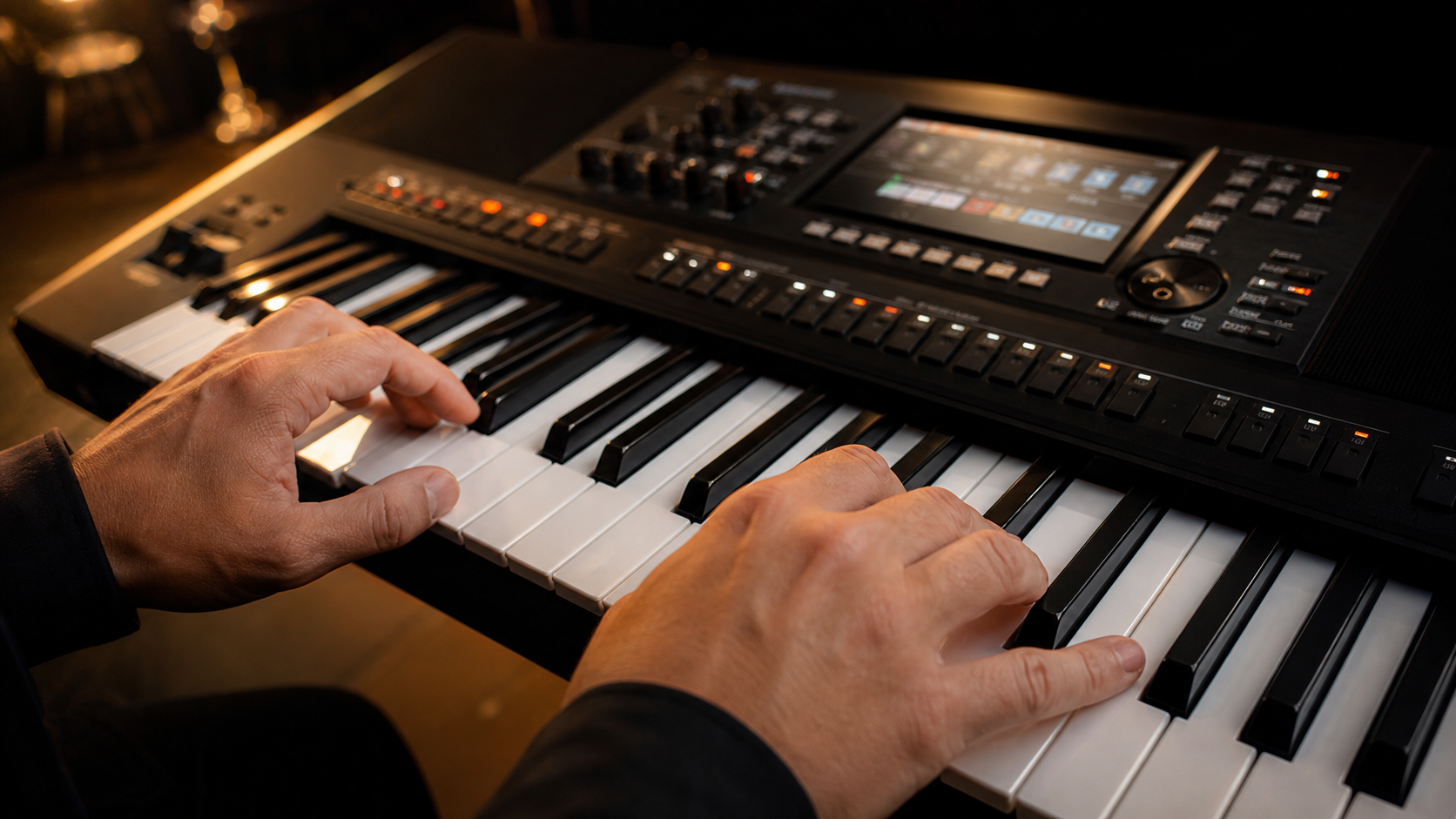
“GrooveFinder changed the way I use my Yamaha. I spend my time making music, not searching files. Absolutely brilliant.”
“On my PSR-SX900, GrooveFinder gives me better style choices than my old registrations. I type the song, send the style and play.”
The AI-profiled style library is included only with GrooveFinder Full. Read about its origin, privacy and our rights-holder procedure.
Read the full explanationOne-time purchase
Both editions include a licence for two computers, lifetime program updates and no subscription.
Search the included GrooveFinder library and your own Yamaha styles together.
Search only your own indexed Yamaha style folders. No style library is included.