Full Edition
Search up to ten results from about 7,500 musically profiled styles, plus up to five matches from your own library.
Yamaha Genos and Genos2
Find musically suitable Genos styles in seconds, compare GrooveFinder results with your own library and send your choice to the keyboard.
Try GrooveFinder free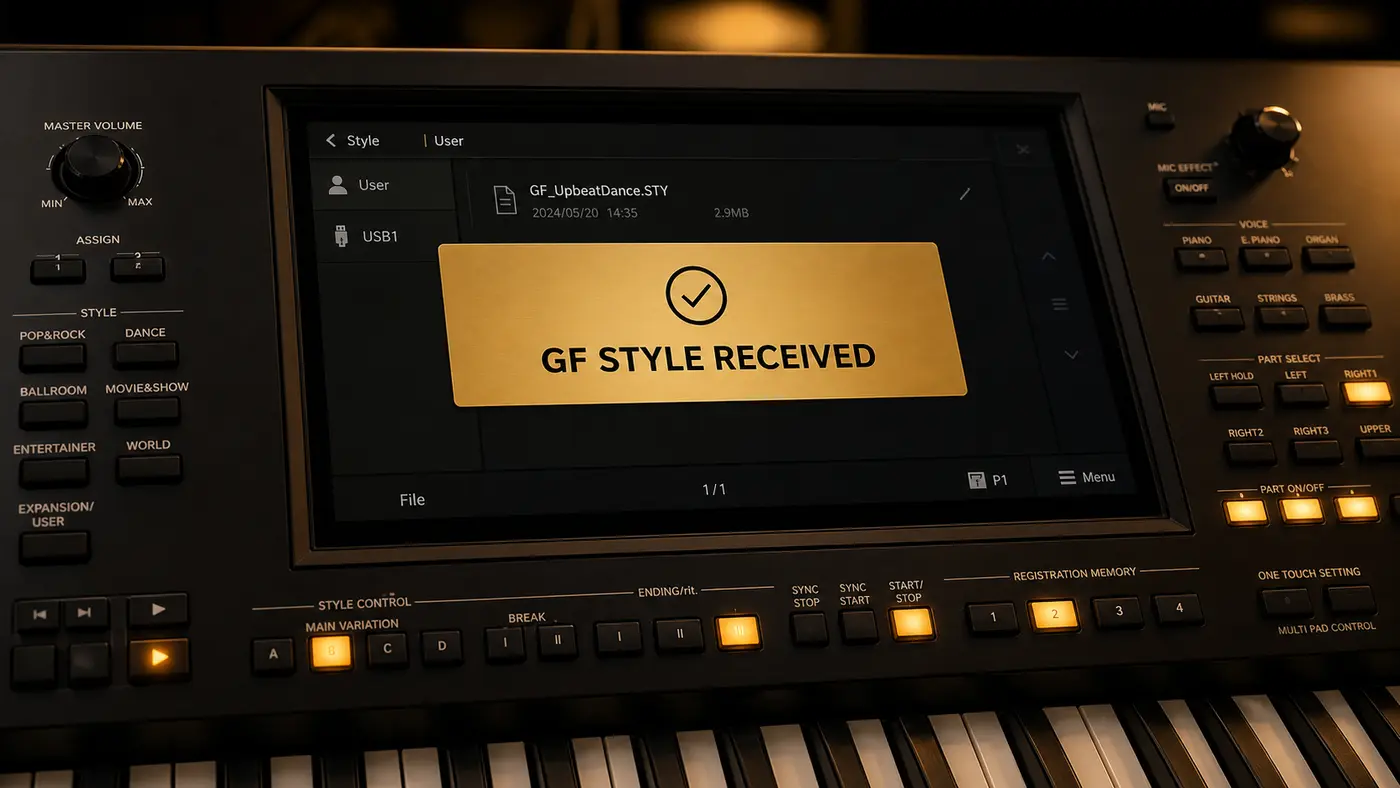
Search up to ten results from about 7,500 musically profiled styles, plus up to five matches from your own library.
Scan and search only your own Yamaha style collection, with your original filenames visible.
GrooveFinder is designed for a fast playing workflow. It does not require installing a complete Expansion Pack for each search.
No. A Yamaha style contains musical behaviour and chord-sensitive parts that are best judged on the keyboard itself.
No. Scanning and searching do not delete your style files.
Connect USB first, turn Genos on second and open GrooveFinder last. This gives Windows time to make the Yamaha MIDI ports available.